

 Posted by
 90% of business leaders agree that social media is integral to their business strategy, mirroring the profound influence that social media trends have on digital marketing. Yet, the complexity of managing multiple social media channels can be overwhelming. Staying responsive to your audience, creating compelling content, and coordinating campaigns across different platforms are just a few hurdles that you might face daily.
This is where social media collaboration tools come into play. These tools have become essential in simplifying these tasks, providing a centralized hub for your team’s creative minds to converge. You can manage posts, track engagement, and analyze performance — all with greater efficiency. By integrating these tools into your day-to-day operations, you ensure that no message goes unnoticed and every campaign is executed with precision.
In this article, we’ll explore seven cutting-edge social media collaboration tools that promise to save you time in 2024. Let’s get started!
The Importance of Social Media Collaboration Tools
Social media collaboration tools play a pivotal role in modern business strategies. Here are some benefits of using these tools for your social media management:
Enhanced Team Coordination
Social media collaboration tools are essential for enhanced team coordination, ensuring that team efforts are synchronized and the risk of miscommunication is minimized. With these tools, you can effortlessly coordinate with your team members, leading to a more unified approach to social media management.
Efficiency and Time Management
When it comes to efficiency and time management, social media collaboration tools are indispensable. They streamline workflows, automate repetitive tasks, and consolidate various functions into a single platform. This results in significant time savings, allowing you to focus on strategy and content creation instead of getting bogged down by the details.Additionally, using email software like Moosend or ActiveCampaign along with these tools can further enhance your marketing efficiency.
Scalability and Adaptability
Businesses must be able to scale, and these tools provide scalability and adaptability. Whether you are a startup or a multinational enterprise, the right tools grow with your business, adapting to increased demands without skipping a beat. They allow you to manage more social media channels and campaigns effectively without the need to proportionally increase your team size.
Analytics and Reporting
The importance of analytics and reporting in social media management cannot be overstated. It also plays an important role in social media marketing strategy for 2024.Having robust analytics helps you measure the success of your social media campaigns, and understanding social media marketing statistics provides insights for making better business decisions. Reliable data is a cornerstone of strategic planning, helping you refine your approach for maximum engagement and revenue generation.
Top 9 Time-Saving Social Media Collaboration Tools for 2024
Here’s a curated list of the top social media collaboration tools that stand out in 2024 for their time-saving capabilities.
1. Crowdfire
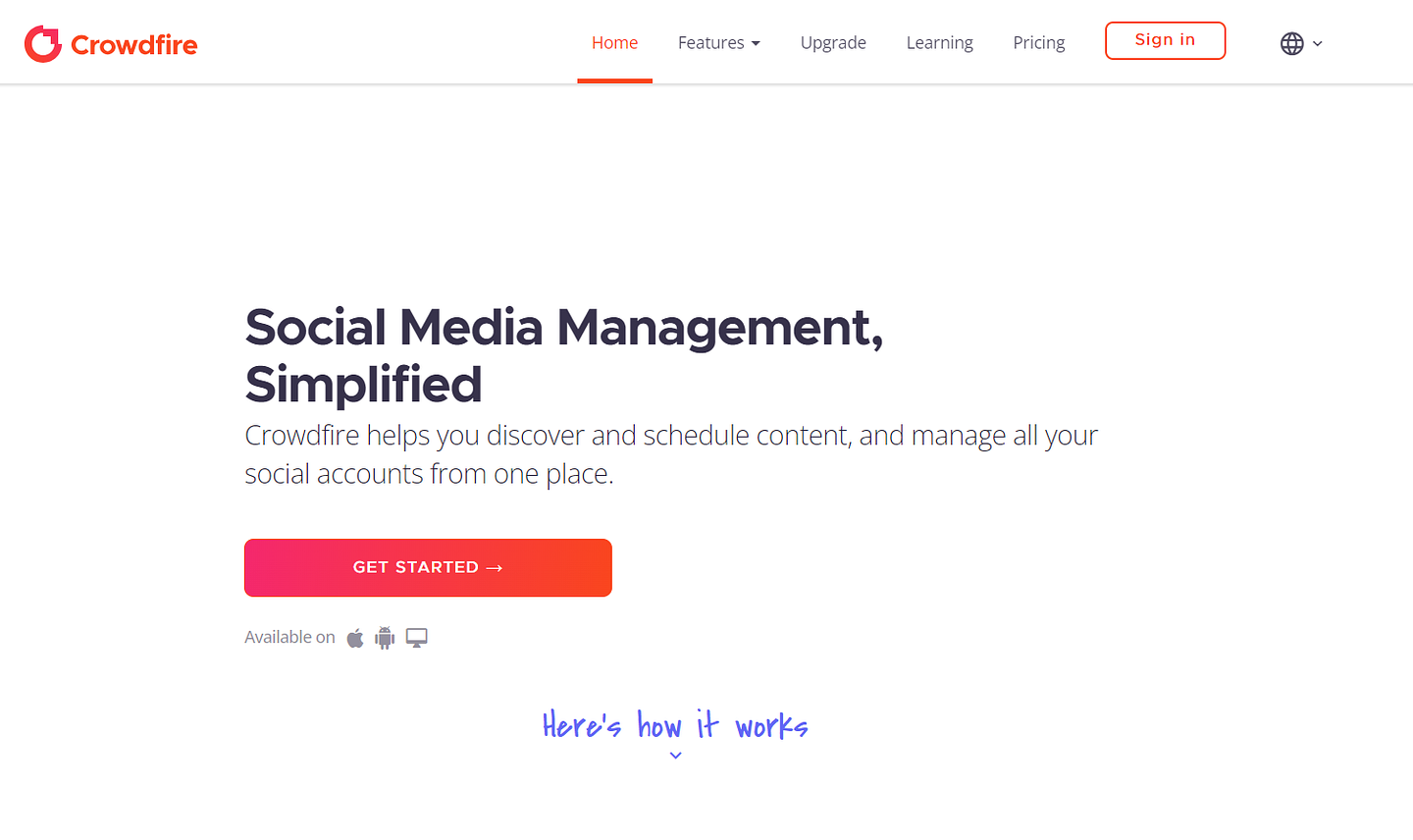
Crowdfire is a versatile social media management tool designed to streamline the process of managing multiple social media accounts. It acts as a smart marketing sidekick, helping you grow your online presence every day through a comprehensive set of features that simplify social media tasks.
Key Features:
- Post Scheduling: Automate the scheduling of your posts across various social media platforms, ensuring consistent engagement with your audience.
- Content Curation: Discover and share engaging content from around the web with the help of the Chrome extension.
- Analytics: Gain detailed insights into your social media performance, allowing you to refine your strategies for better results.
- Engagement Tools: Manage and respond to mentions and messages from a unified inbox, enhancing your customer interaction.
- Social Listening: Monitor specific keywords, hashtags, and competitors to stay informed and proactive in your social media efforts.
Pricing:
CrowdfireApp offers flexible pricing plans to accommodate different user needs:
- Free Plan: Connect up to 3 social accounts with basic scheduling and content curation features.
- Plus Plan ($7.48/month): Manage up to 5 social accounts, with advanced analytics and unlimited article recommendations.
- Premium Plan ($37.48/month): Supports up to 10 social accounts, offering custom reporting and enhanced post scheduling capabilities.
- VIP Plan ($74.98/month): Ideal for larger teams, supporting up to 25 social accounts, with priority support and advanced content publishing tools.
2. Hootsuite
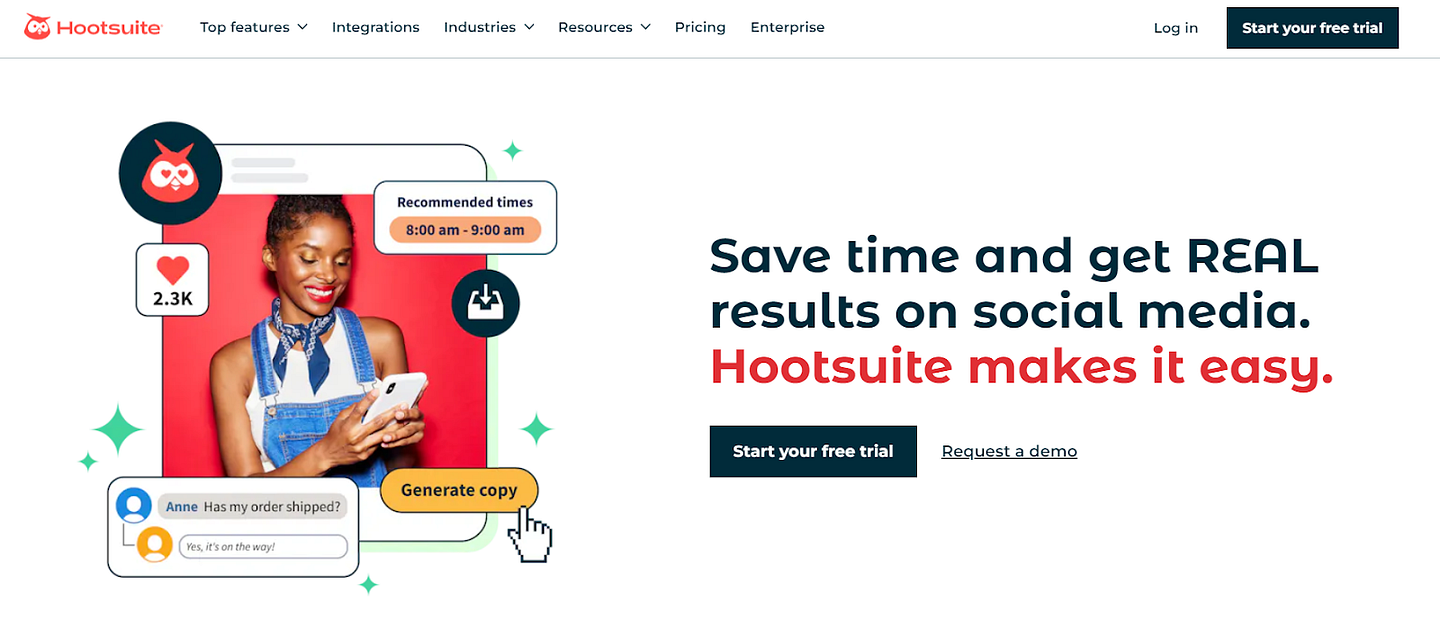
Hootsuite is a comprehensive social media management platform designed to help you streamline your online presence. It offers a robust set of features that allows you to schedule posts, track social media metrics, and manage all your accounts from a single dashboard.
Key Features:
- Post Scheduling: Plan your content calendar and automate post publishing across multiple platforms.
- Analytics: Gain insights into your social media campaigns and audience behavior.
- Team Collaboration: Work collaboratively with team members, assign tasks, and track progress.
- Social Listening: Monitor what is being said about your brand and identify engagement opportunities.
Pricing:
Hootsuite’s pricing plans cater to a variety of needs, from individuals to large organizations, ensuring that every type of user finds a suitable option.
- Professional ($23/month): It allows a single user to manage 10 social accounts with features like unlimited scheduling and comprehensive analytics.
- Team ($90.54/month): This plan supports 3 users and 20 social accounts, adding advanced collaboration tools and increased post-boosting limits.
- Enterprise (Custom pricing): For a minimum of 5 users, this plan offers extensive features for large organizations, including advanced content curation and campaign management.
These plans also come with a free 30-day trial. After the trial, regular billing begins, and you can cancel at any time to avoid charges.
3. Buffer
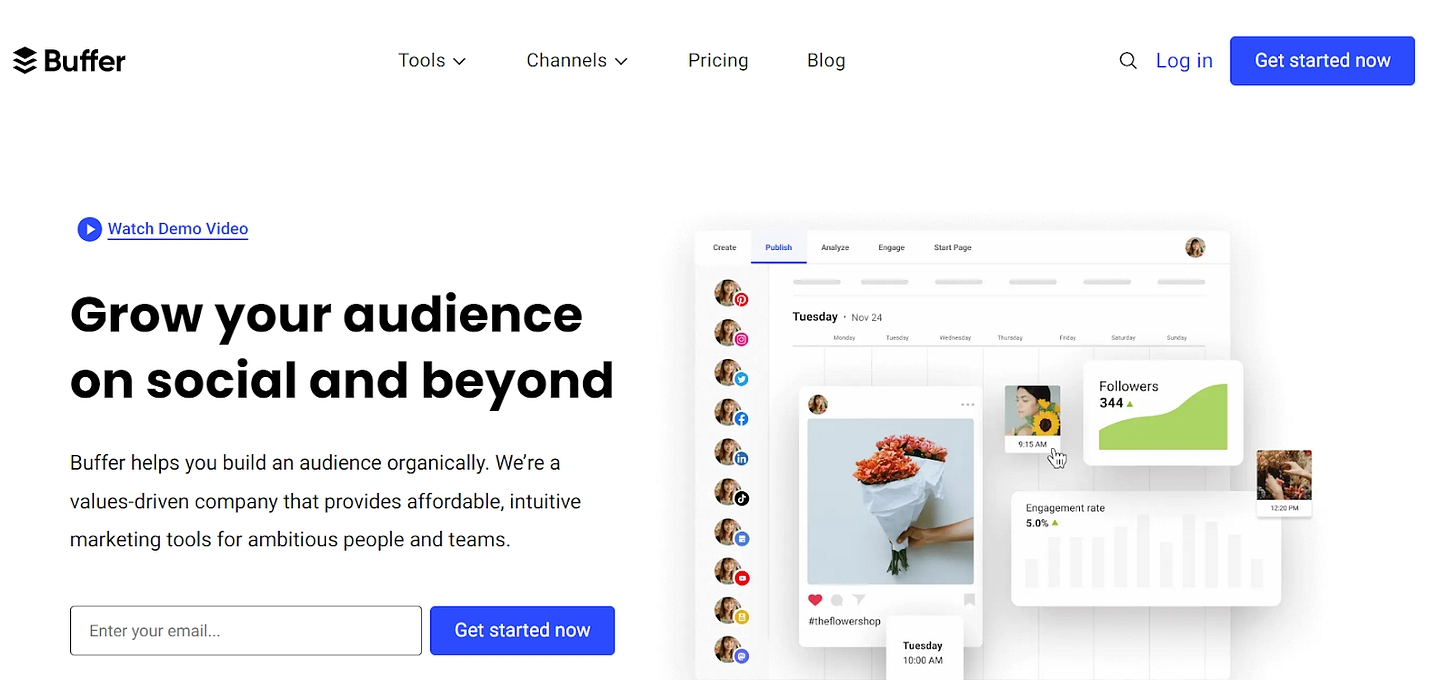
Buffer is a seasoned player in the social media management space designed to streamline your content strategy and foster teamwork. Its ease of use and comprehensive feature set make it a go-to tool for handling your social media presence effectively.
Key features:
- Content scheduling: Plan your posts across different platforms and line them up for automatic posting to accelerate your brand awareness efforts.
- Analytics: Track the performance of your posts with detailed analytics to refine your strategy.
- Team collaboration: Invite team members to collaborate, ensuring a cohesive approach to social media efforts.
Pricing:
Buffer’s pricing starts with a basic free plan to connect up to 3 social channels with basic planning and publishing tools. From there, Buffer offers several tiers:
- Essential: Priced at $6 per month per channel, this plan includes engagement tools and analytic reports.
- Team: Available at $12 per month per channel, adding unlimited users and draft collaboration tools for team environments.
- Agency: At $120 per month for 10 channels, it offers team features plus custom access and permissions tailored for larger marketing agencies.
4. Asana
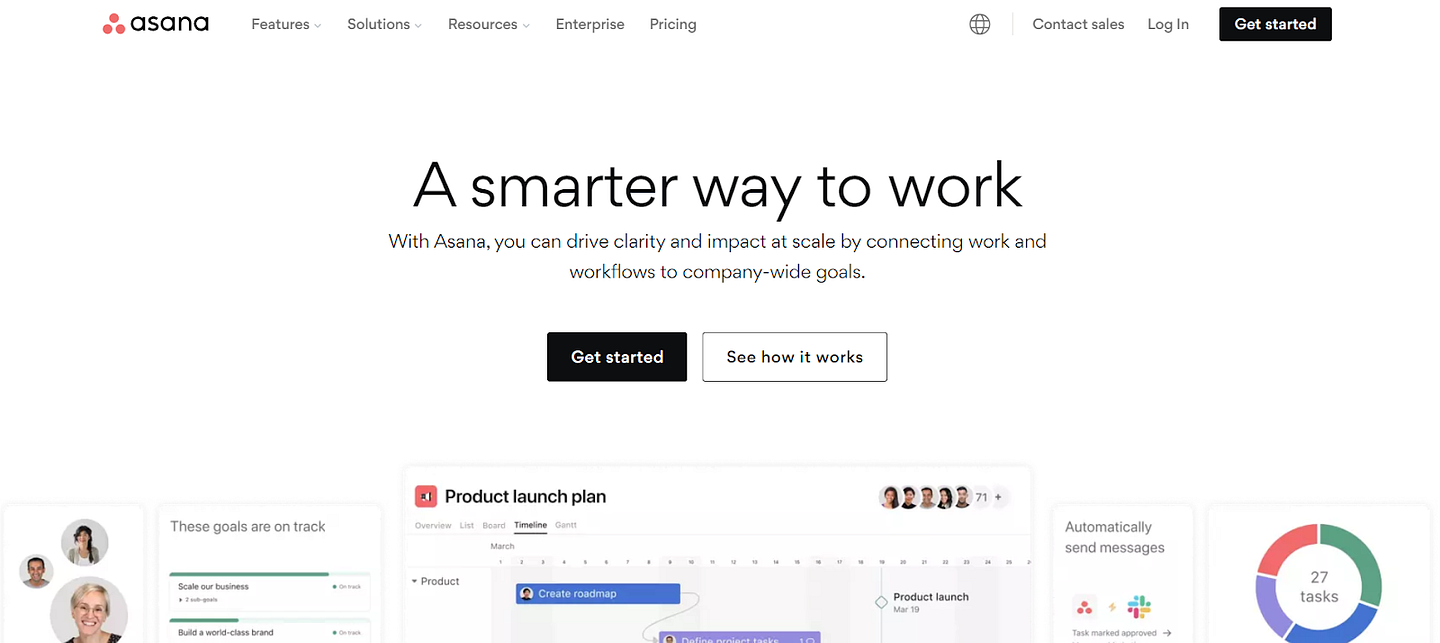
Asana stands as a versatile project management platform designed to streamline your social media campaigns. Specializing in task management and organization, Asana equips you to manage multiple projects effortlessly, ensuring that your social media strategy stays on track.
Key Features:
- Task Management: Break down your projects into manageable tasks and subtasks, assign them to team members, and set due dates.
- Real-Time Collaboration: Update tasks and communicate with your team in real time to keep everyone aligned.
- Automated Notifications: Stay informed with automatic updates on task progress and deadlines.
- Integration: Synchronize Asana with a wide range of apps, such as Google Drive, Dropbox, and Slack, weaving it seamlessly into your existing workflow.
- Reporting and Dashboards: Access comprehensive reports and custom dashboards to visualize campaign progress and team productivity.
Pricing:
Asana’s pricing structure is crafted to fit various team sizes and needs. You can start with the free version, suitable for groups of up to 10 people. As your requirements grow, Asana offers premium plans that provide additional features and capabilities:
- Starter Plan: Priced at $10.99 per user per month when billed annually, offering essential task management features for individuals and small teams.
- Advanced Plan: Costs $24.99 per user per month with annual billing, including advanced project management tools for larger teams and more complex projects
5. Trello
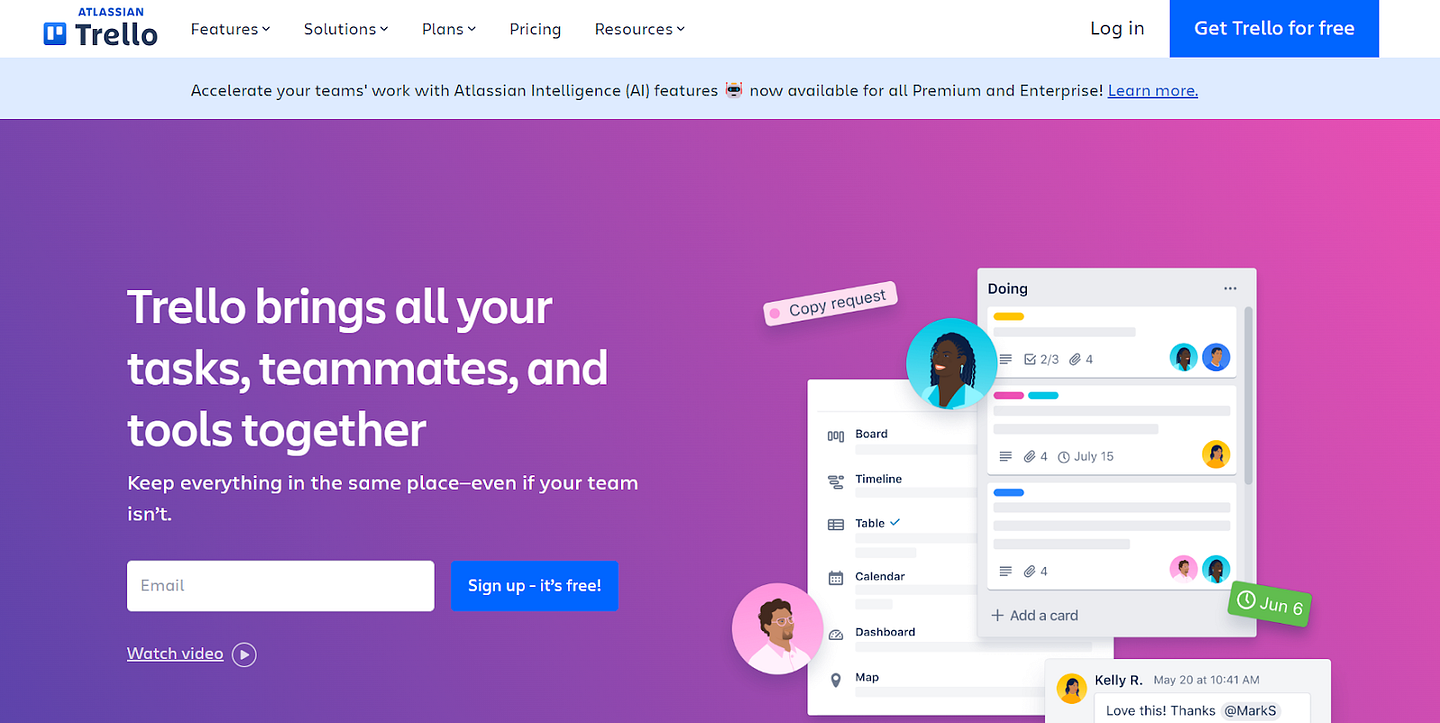
Trello is a visual project management tool that allows you to organize and prioritize your projects through the use of boards, lists, and cards. It’s designed to facilitate individual and team productivity by providing a clear view of tasks and progress.
Key Features:
- Boards: Create distinct boards for each project.
- Lists: Customize stages of work with lists on each board.
- Cards: Break down lists into cards for specific tasks.
- Assignment: Allocate cards to team members.
- Labels and Tags: Organize cards with labels for ease of identification.
- Checklists: Track task completion with checklists on cards.
- Deadlines: Set deadlines for tasks to ensure timely completion.
- Attachments: Upload files directly to cards for centralized information.
Pricing:
Trello offers a range of pricing options to suit various needs:
- Free Plan: Completely free, ideal for individuals or small teams just starting to organize projects.
- Standard Plan: At $5 per user per month if billed annually, designed for small teams to manage work and enhance collaboration.
- Premium Plan: Costs $10 per user per month when billed annually, suitable for teams that need multiple project tracking and visualization tools like boards, timelines, and calendars.
- Enterprise Plan: Priced at $17.50 per user per month, billed annually, for large organizations requiring extensive security and administrative controls.
6. Sprout Social
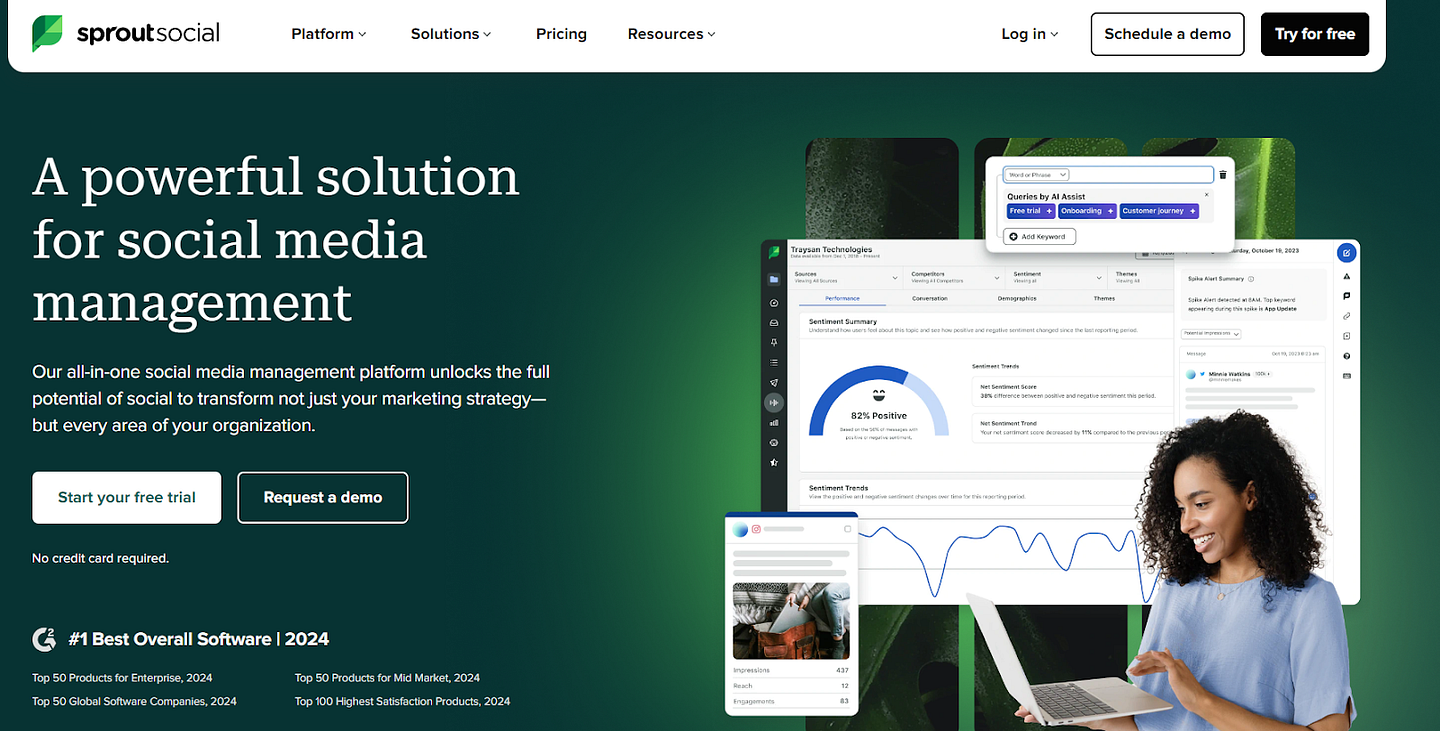
Sprout Social is a comprehensive social media management platform designed for businesses looking for an all-in-one solution to manage their online presence. With a focus on ease of use and efficiency, Sprout Social offers a sleek interface where you can streamline your social media tasks.
Key Features:
- Unified Smart Inbox: Aggregate messages from all your social channels to manage customer engagement effectively and maintain a good NPS score.
- Publishing and Scheduling: Schedule posts across multiple platforms and plan your content calendar with ease.
- Advanced Analytics: Access detailed reports that provide insights into your social media performance.
- Social Listening: Stay ahead of the conversation with tools that help you track and analyze social chatter about your brand.
- Collaboration: Provide your team with workflows for content creation and approval, improving your response times and consistency.
Pricing:
Sprout Social offers a tiered pricing model, allowing you to select a plan that matches your business needs:
- Standard Plan: Priced at $199 per seat/month when billed annually, offering comprehensive tools including an all-in-one social inbox and social content calendar.
- Professional Plan: Costs $299 per seat/month with annual billing, includes unlimited social profiles and advanced features like message tagging and custom workflows.
- Advanced Plan: Available at $399 per seat/month when billed annually, adding advanced features like chatbots, sentiment analysis, and automated link tracking.
- Enterprise Plan: Pricing is custom and includes tailored features for large organizations, prioritized customer support, and professional consulting services.
7. CoSchedule
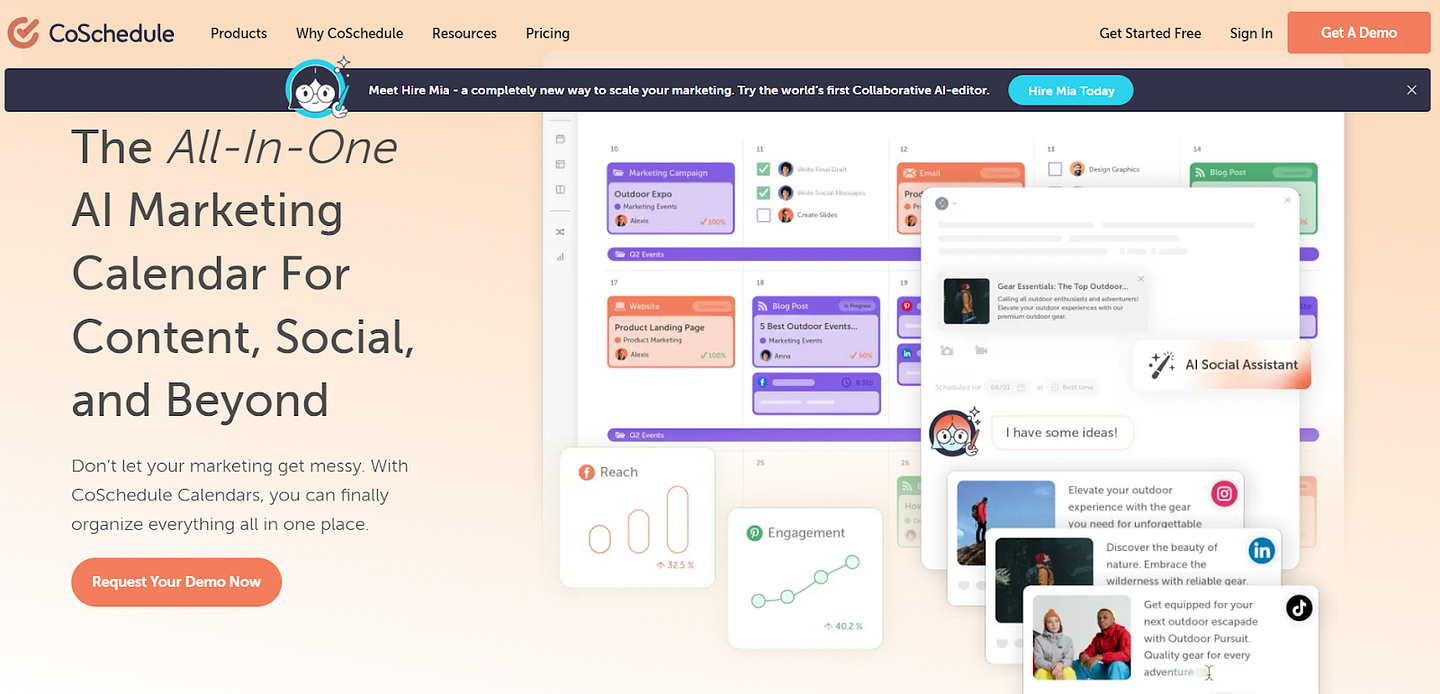
CoSchedule stands out as a robust and versatile marketing tool for enhancing social media strategy and overall content organization. As a centralized platform, it’s tailored for marketers, bloggers, and businesses seeking streamlined workflow management.
Key Features:
- Visual Calendar Interface: Easily plan your content schedule with a drag-and-drop editor.
- Social Media Scheduling: Automate your posts across various platforms.
- Content Collaboration: Bring your team together for seamless project execution.
- Analytics: Review your campaign’s performance and optimize your strategy.
- Workflows: Create custom workflows to enhance productivity.
Pricing:
When considering pricing, CoSchedule provides tailored plans based on your needs:
- Free Calendar Plan: Available at no cost, this plan is suitable for individuals managing basic social publishing. It features an AI social assistant and drag-and-drop calendar capabilities.
- Social Calendar Plan: This plan is priced at $19 per user per month when billed annually and is ideal for teams seeking unlimited social publishing and enhanced project management tools.
- Content Calendar Plan: This plan is designed for teams that want all their content and social management integrated into one calendar. It includes additional features for robust project management and reporting. Contact sales for pricing.
- Marketing Suite Plan: This plan is tailored for large marketing teams needing comprehensive coordination of marketing processes and digital asset management. Pricing is available upon contacting sales.
8. Monday.com

Monday.com is a versatile social media collaboration platform that adapts to your workflow needs. It stands out for its intuitive interface and customizable features, allowing you and your team to plan, manage, and automate tasks with ease.
Key Features:
- Customizable Workspaces: Tailor your workspace to fit the unique needs of your social media campaigns.
- Visual Project Tracking: Use boards and timelines to visualize progress and deadlines.
- Automation: Set up automated workflows to reduce repetitive tasks.
- Integrations: Connect with various apps including social media platforms to streamline your work.
Pricing: ‘
Monday.com’s pricing structure is designed to scale with your team’s size and needs, providing you with everything you need, whether you’re part of a small team or a large organization.
- Free Plan: A zero-cost plan for up to 2 seats, perfect for individuals managing personal tasks with up to 3 boards and basic features.
- Basic Plan: Priced at $9 per seat/month, this plan offers a step up with unlimited free viewers and more storage for small teams.
- Standard Plan: At $12 per seat/month, this popular plan adds timelines, guest access, and more for effective team collaboration.
- Pro Plan: For $19 per seat/month, it provides extensive workflow tools like private boards, greater automation, and increased integrations for larger teams.
- Enterprise Plan: This plan offers advanced features like unlimited portfolios and multi-level permissions, priced based on custom requirements, and is aimed at large organizations with complex needs.
9. Bulkly
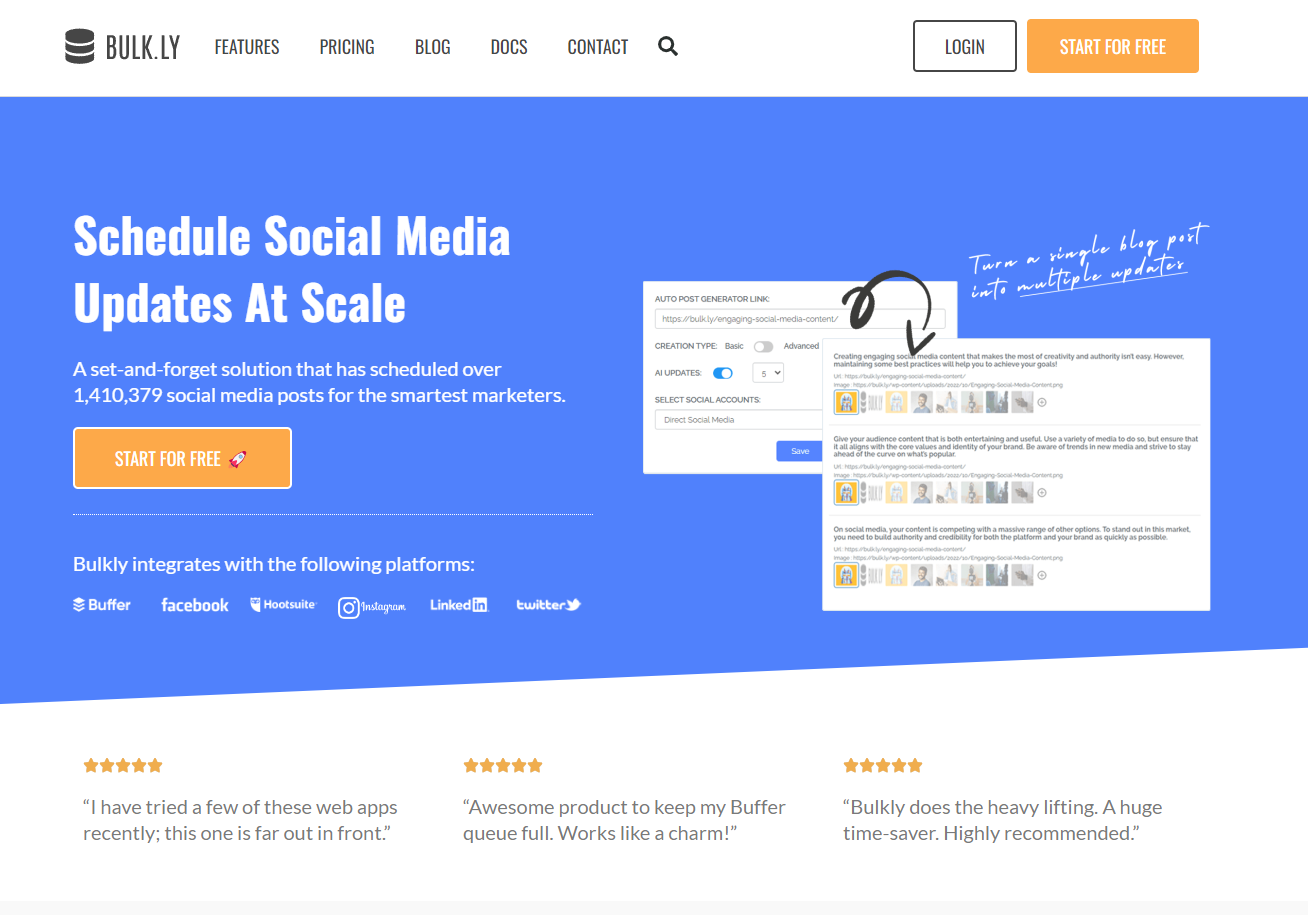
Bulk.ly is a social media automation tool designed to enhance your strategy by enabling bulk scheduling and recycling of posts. It integrates seamlessly with Facebook, Instagram, LinkedIn, Twitter and Buffer, allowing you to manage large volumes of content efficiently.
Key Features:
- Bulk Scheduling: Upload multiple posts at once to streamline your content calendar.
- Post Recycling: Automatically recycle evergreen content to ensure consistent engagement.
- CSV Upload: Import posts directly from CSV files for faster scheduling.
- Content Categories: Organize your posts into categories for better management and targeted scheduling.
Pricing:
Bulk.ly offers flexible pricing plans to suit different needs:
- Pro Plan: $19 per month, ideal for solo marketers managing a few social media accounts.
- Pro Plus Plan: $39 per month, supports multiple users and accounts, perfect for small to medium-sized teams.
- Pro Plus Agency Plan: $149 per month, designed for larger teams and agencies managing multiple clients.
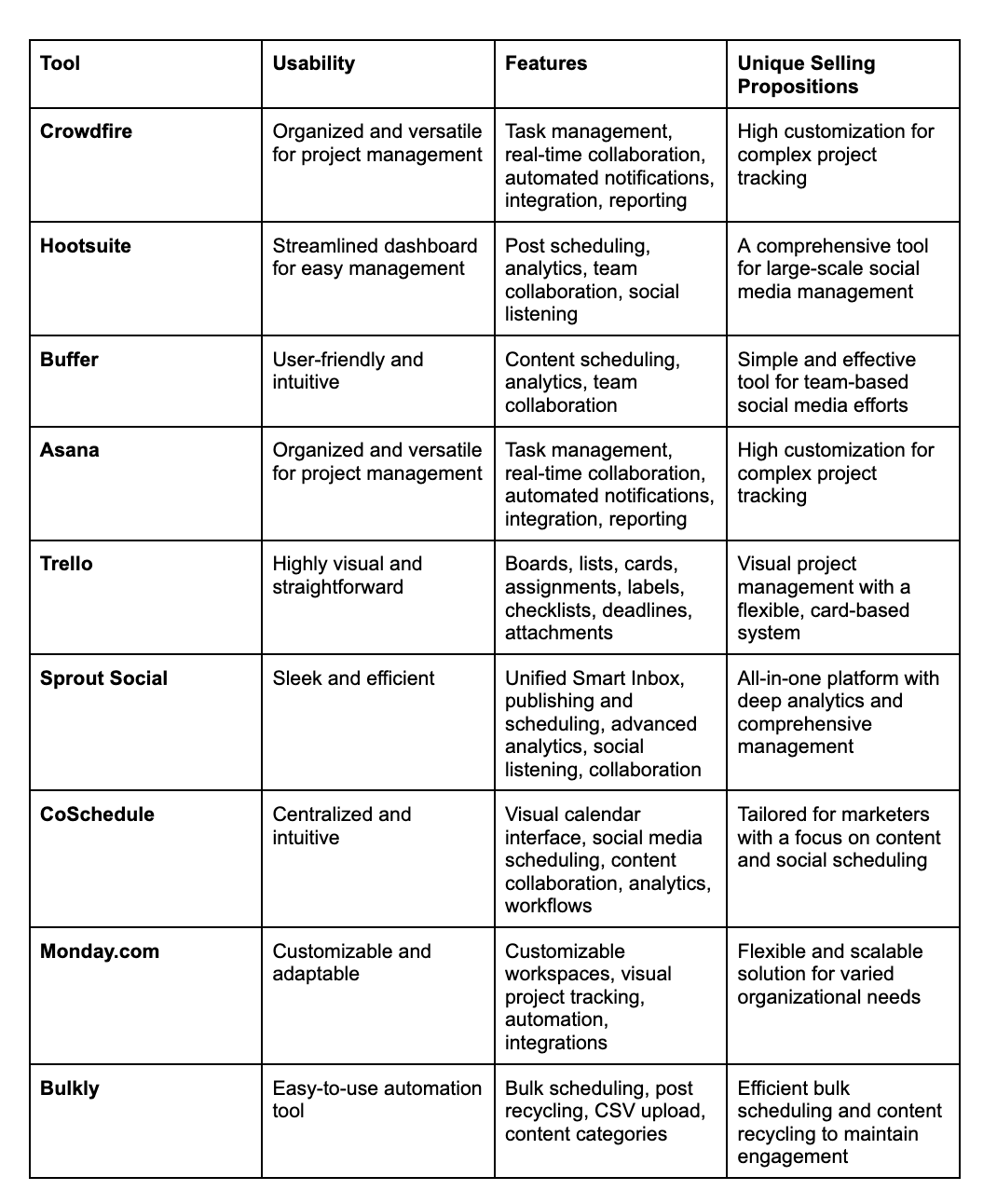
Comparing The Tools — Brief Comparison of the Tools
Choosing The Right Social Media Collaboration Tool for Your Team!
Your social media strategy can be a powerful growth driver, especially when equipped with the right tools.
Choosing the perfect tool requires a thoughtful assessment of your team’s size, goals, and the specific challenges you face in managing social media. Remember, the best tool is the one that fits seamlessly into your workflow and enhances your team’s ability to collaborate and execute strategies effectively.
Don’t hesitate to use the free trials these platforms offer to see which one best suits your needs. Ultimately, embrace these tools to enhance collaboration, and watch your social media efforts thrive in synchronization with your team’s collective talent.